At Sport Planet, you can easily apply a voucher or promo code before completing your order. Follow our video and step-by-step guide below to enjoy your available discount.
HOW TO APPLY ON PC
Watch our step-by-step video guide on how to apply a voucher or promo code using a PC or laptop.
HOW TO APPLY ON MOBILE
Watch our step-by-step video guide on how to apply a voucher or promo code using a mobile phone.
01
OPEN SHOPPING CART
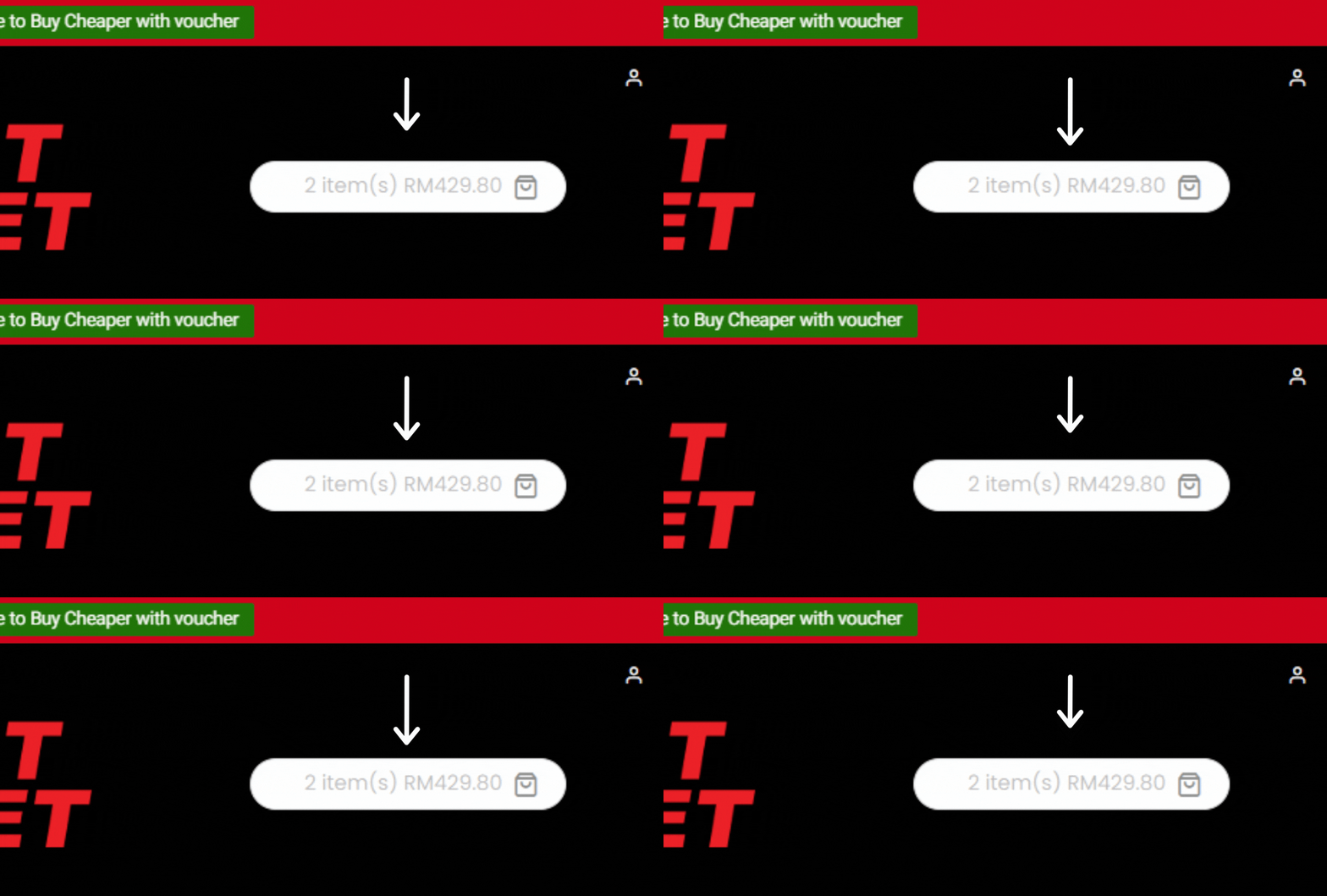
Once you've successfully logged into your account, proceed to the Main Menu and select the Shopping Cart icon to continue.
02
APPLY COUPON
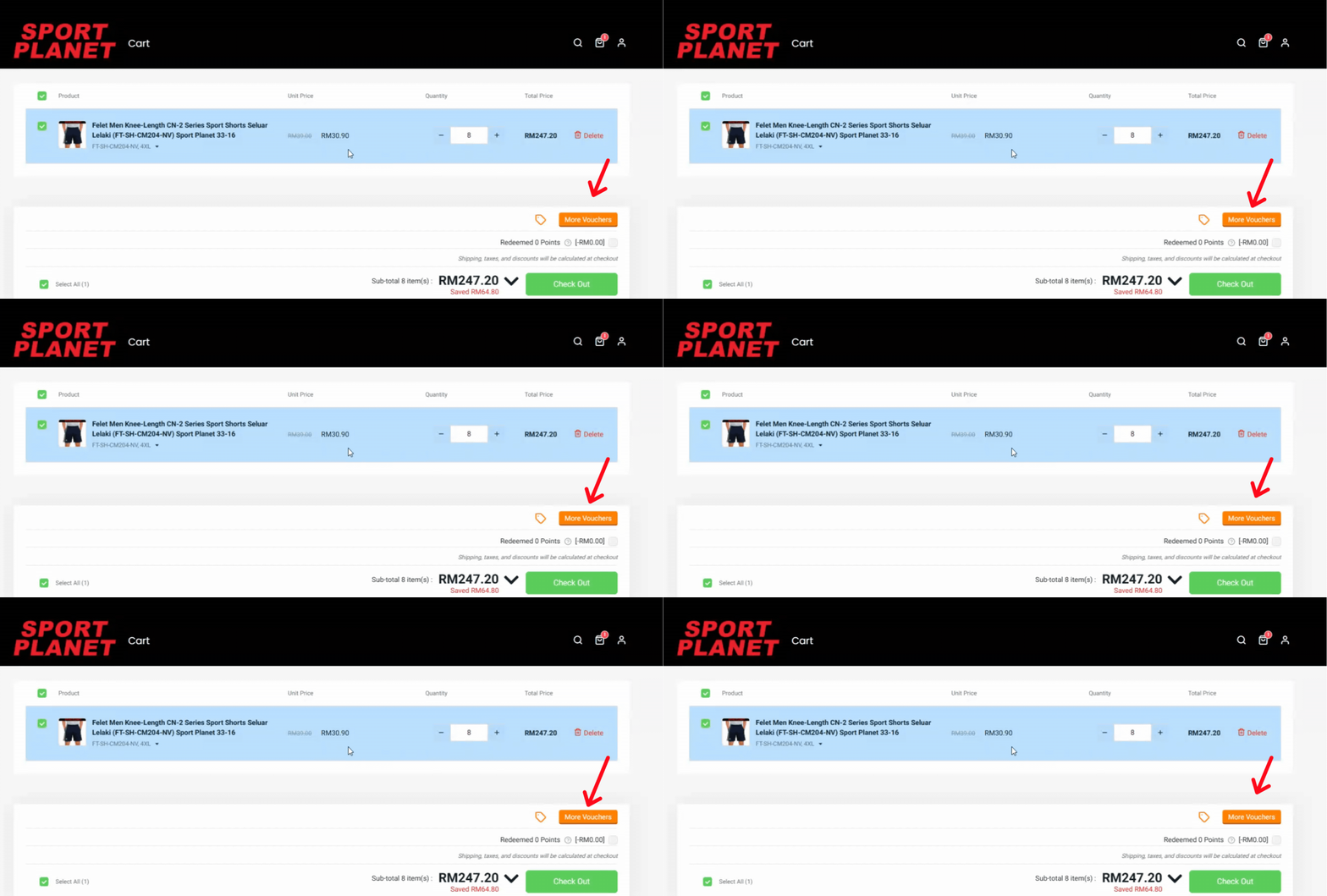
After clicking the Shopping Cart icon, the Shopping Cart Menu will appear. Proceed to Apply Coupon, enter your promo code, and then click Checkout.
03
ENTER PROMO CODE
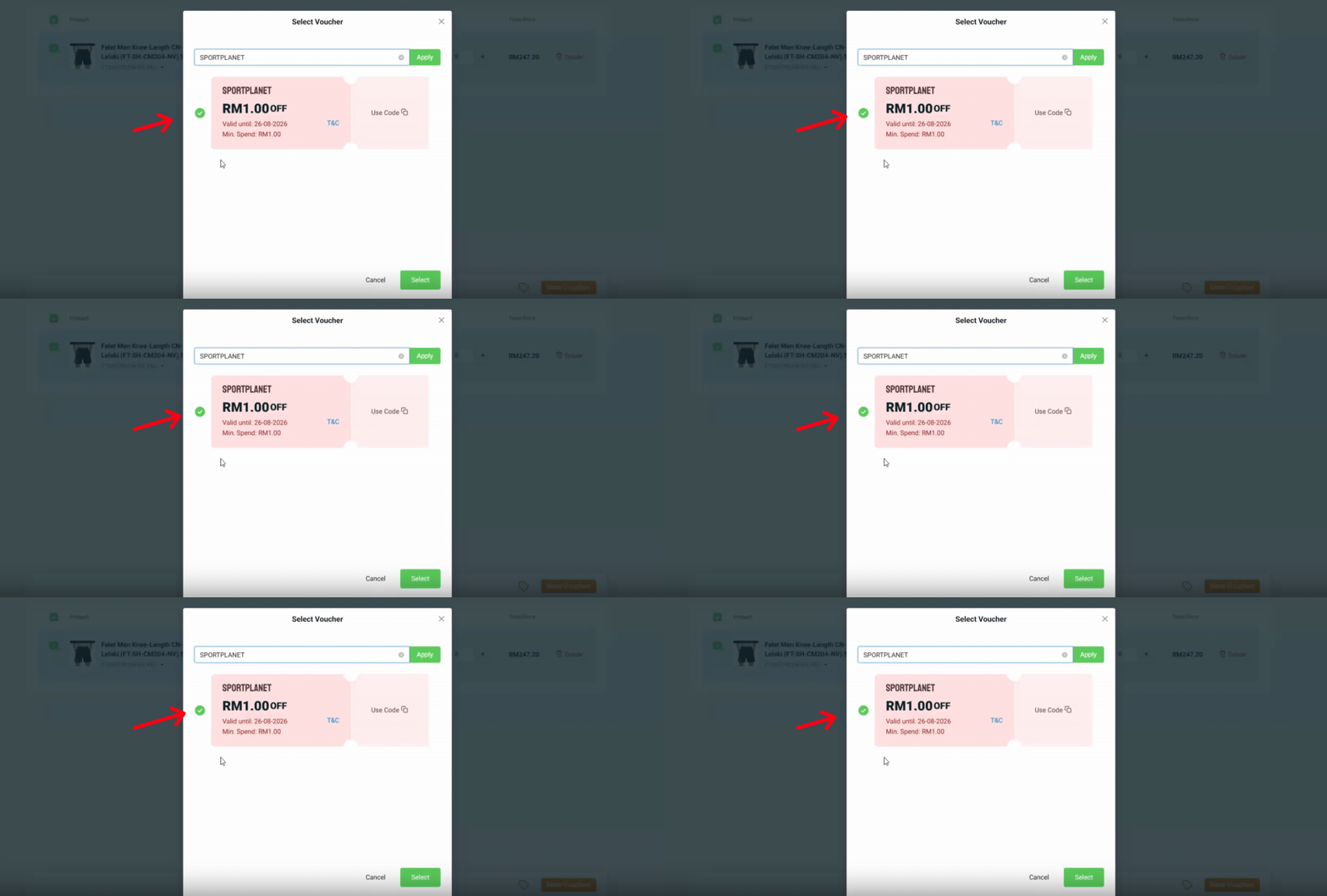
Upon clicking Checkout, an additional coupon option will be available in case you missed it in the Shopping Cart. You can find another Coupon Section within the Order Summary. Enter your Promo Code and continue with the checkout process.
04
VOUCHER APPLIED
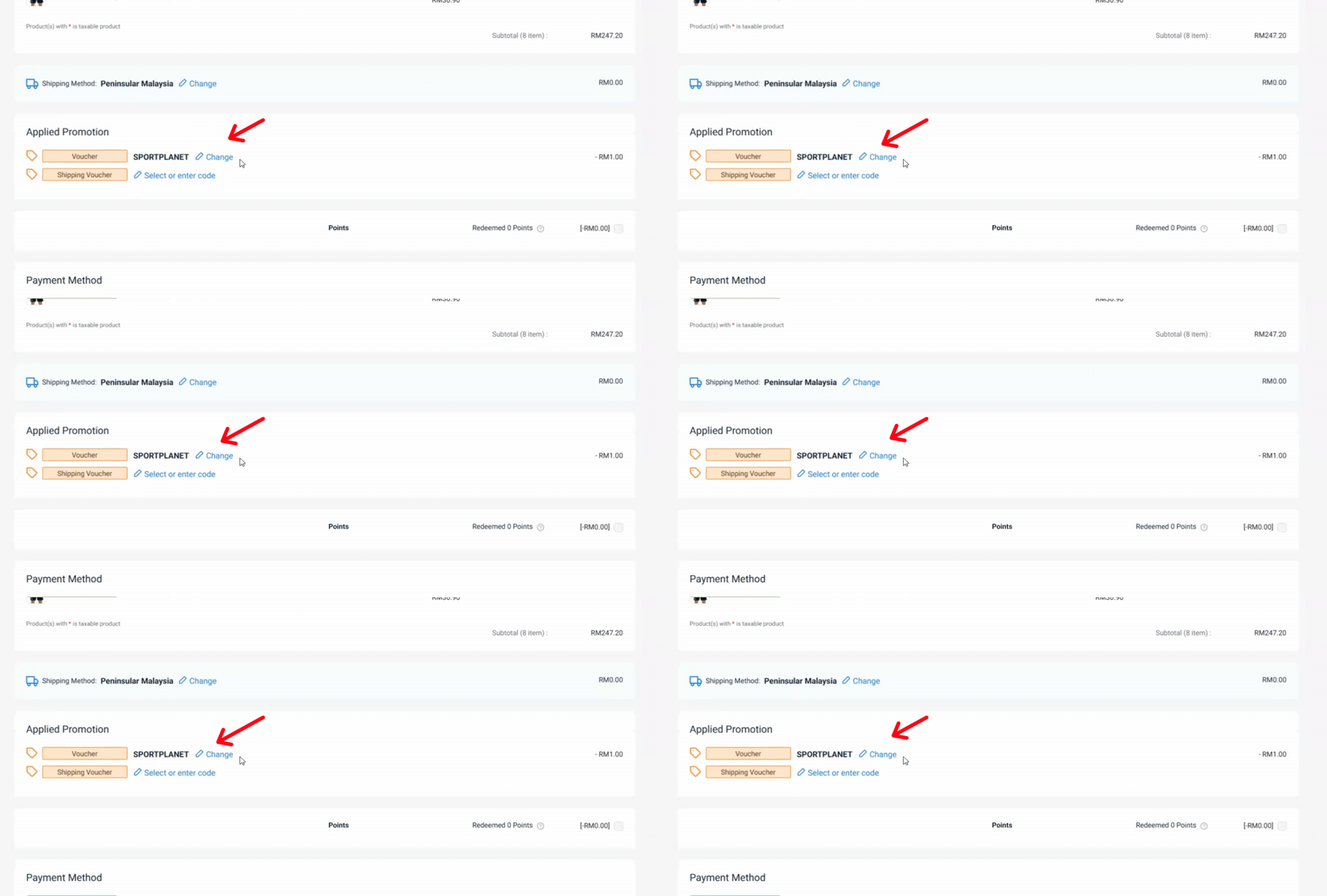
Once you complete the checkout process, you will be directed to the Customer Information Page, where your voucher discount will automatically be applied to your Order Summary.