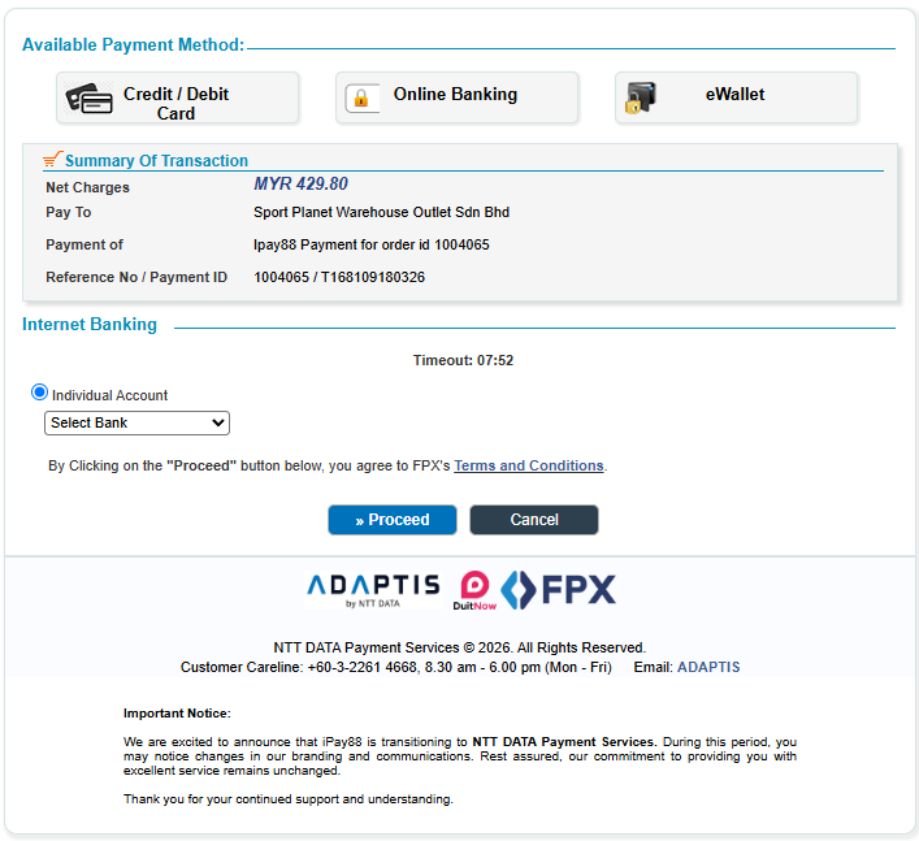
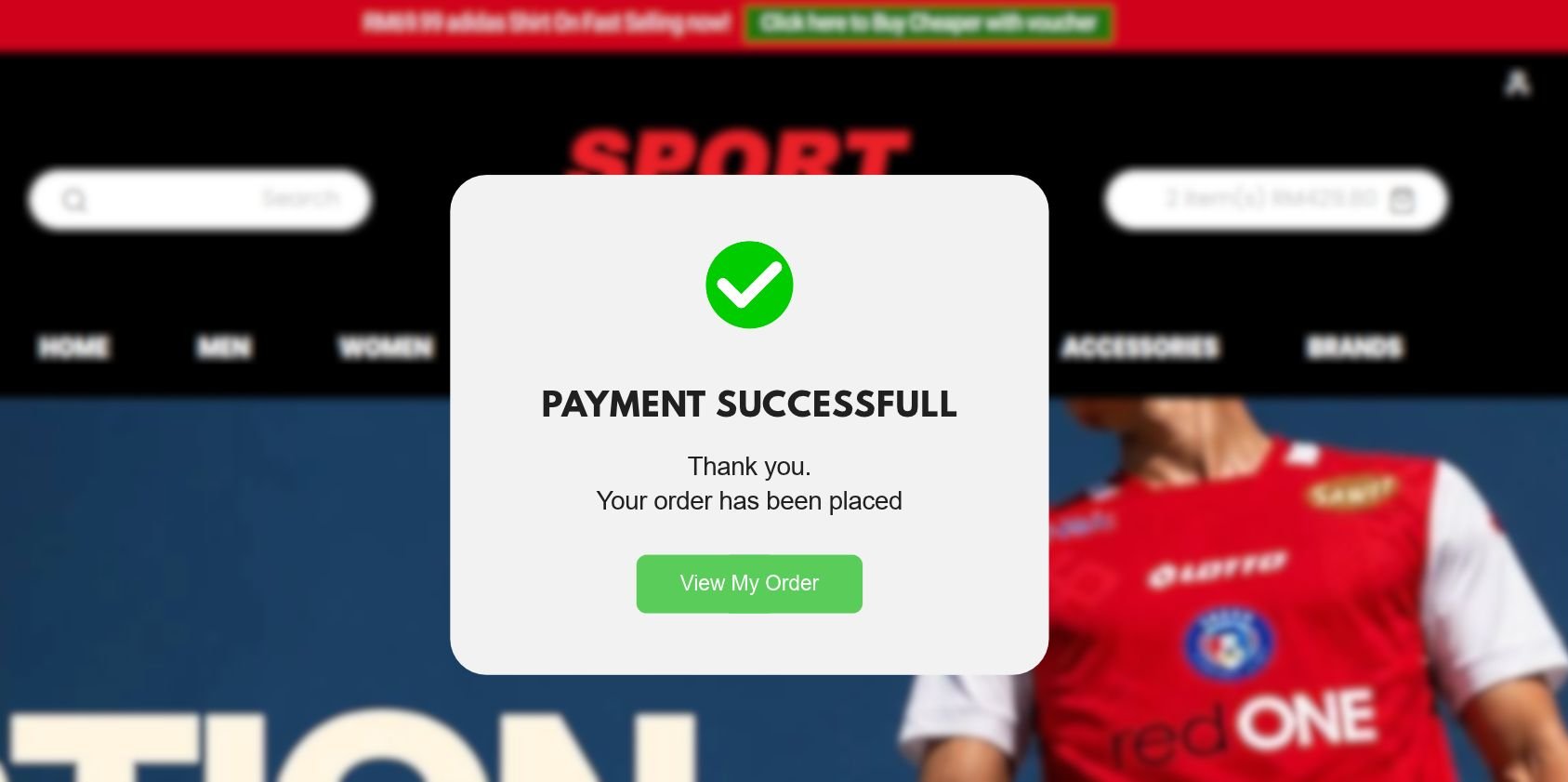
At Sport Planet, follow our video and step-by-step guide below to complete your purchase securely using iPay88 / Online Banking on PC or mobile.
HOW TO PAY ON PC
Watch our step-by-step video guide on how to complete your payment using a PC or laptop.
HOW TO PAY ON MOBILE
Watch our step-by-step video guide on how to complete your payment using a mobile phone.
01
CLICK ADD TO CART
After successfully logging into your Account, choose the item you wish to purchase and then click on the Shopping Cart icon.
02
PROCEED TO CHECKOUT
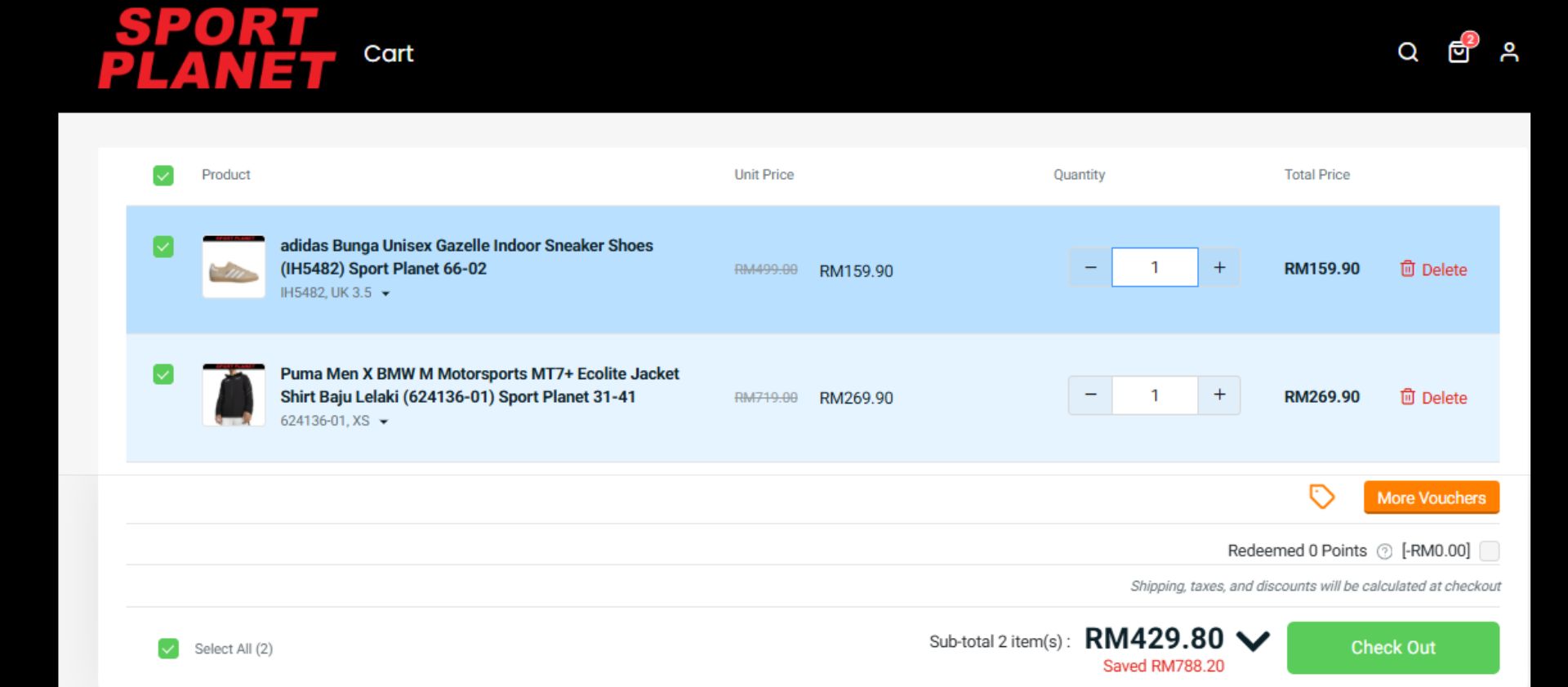
Open the Shopping Cart to review your selected product, quantity and order details before proceeding to checkout.
03
FILL IN SHIPPING DETAILS
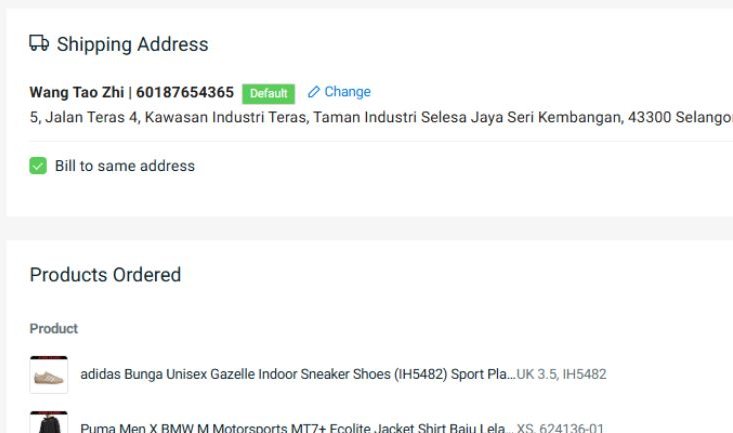
Fill in the required shipping information and make sure your delivery details are correct before continuing to payment procedure.
04
CHOOSE PAYMENT ADAPTIS/IPAY88
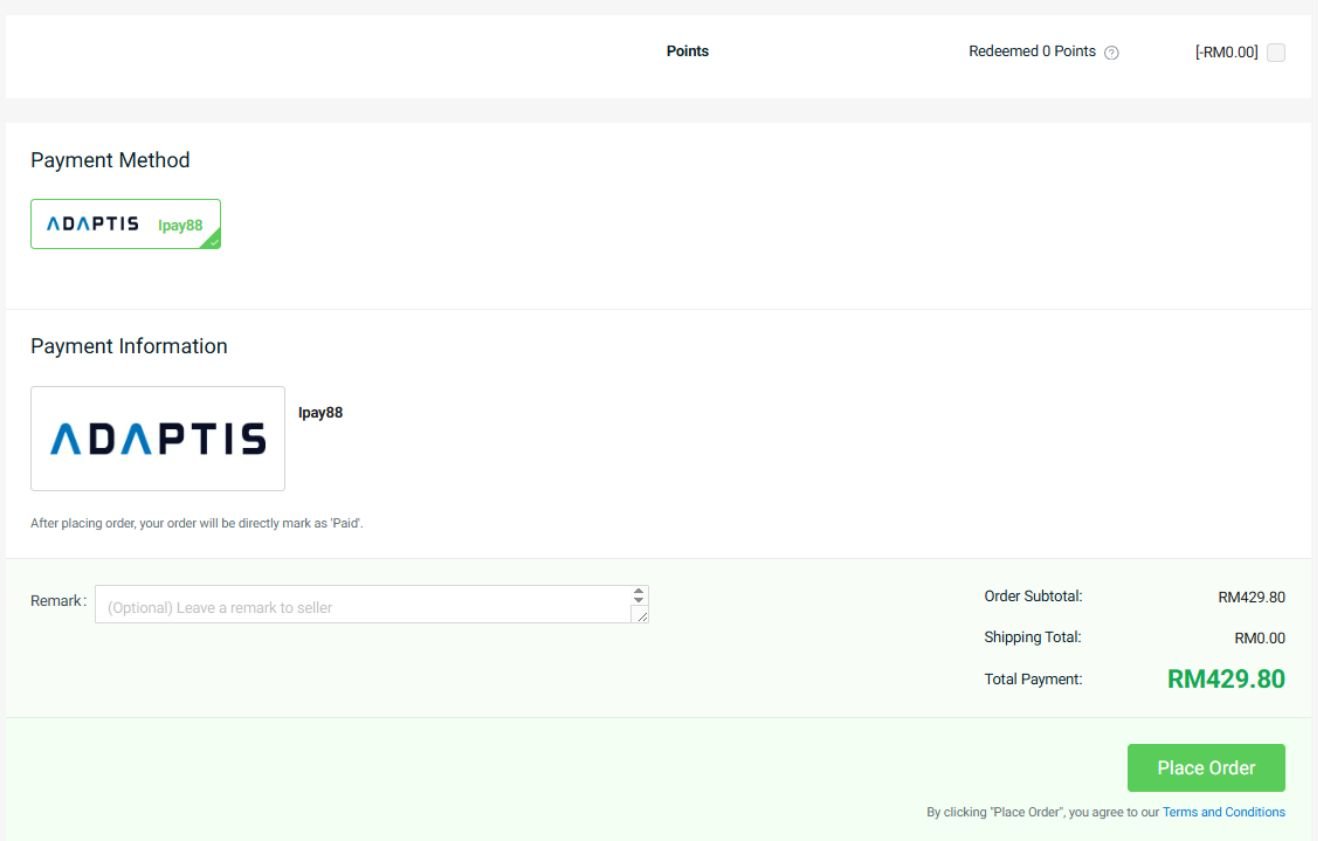
After ensuring all details are correct you can proceed to click on iPay88 and proceed to place order.
05
SELECT PAYMENT METHOD
You'll be directed to a secure online payment page, you are now able to select your favourite payment method.
06
PAYMENT SUCCESSFUL
Congratulations! You successfully completed the steps to purchase using iPay88 / Online Banking. Your selected item will now be processed and delivered right to your doorstep.