At Sport Planet, you can submit a return request directly through your account. Follow our video and step-by-step guide below to complete your return request and check its status.
HOW TO RETURN ON PC
Watch our step-by-step video guide on how to submit a return request using a PC or laptop.
HOW TO RETURN ON MOBILE
Watch our step-by-step video guide on how to submit a return request using a mobile phone.
01
OPEN MY ORDERS
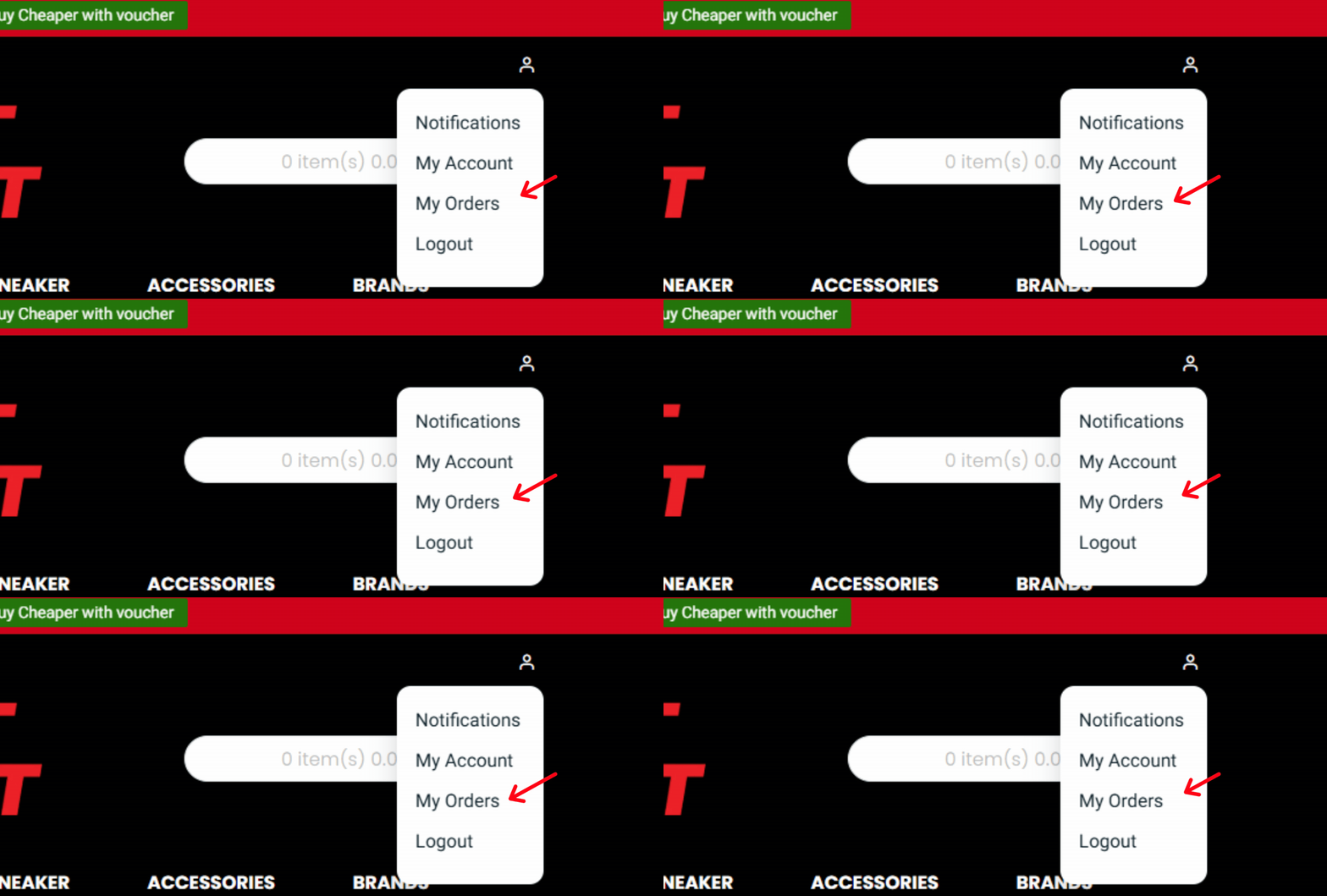
Log In to the Webstore, navigate to your Profile, and select My Orders to access your Order History.
02
SELECT COMPLETED ORDER
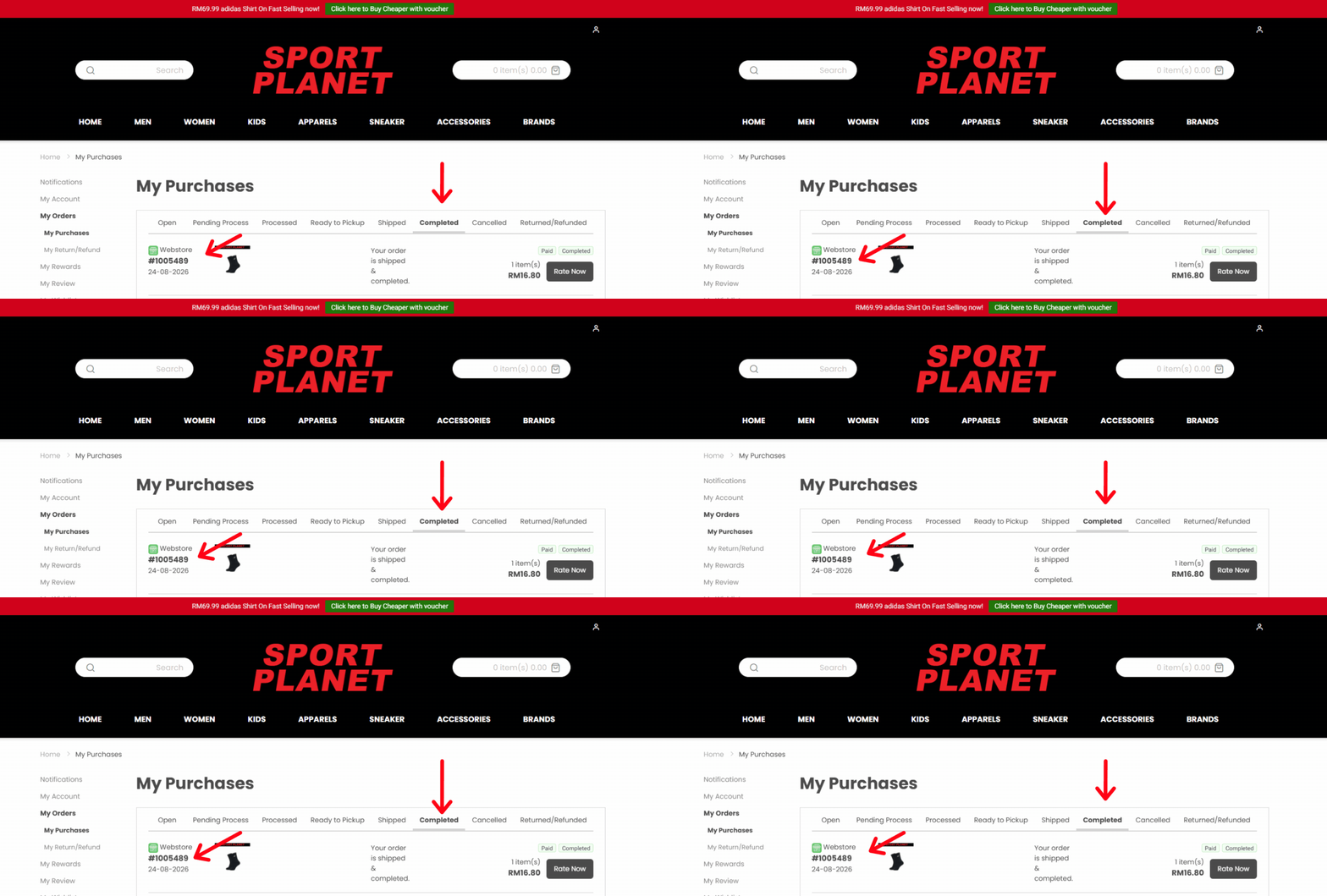
Proceed to the Completed Orders section and click View for the product you wish to submit a Return Request for.
03
print invoice
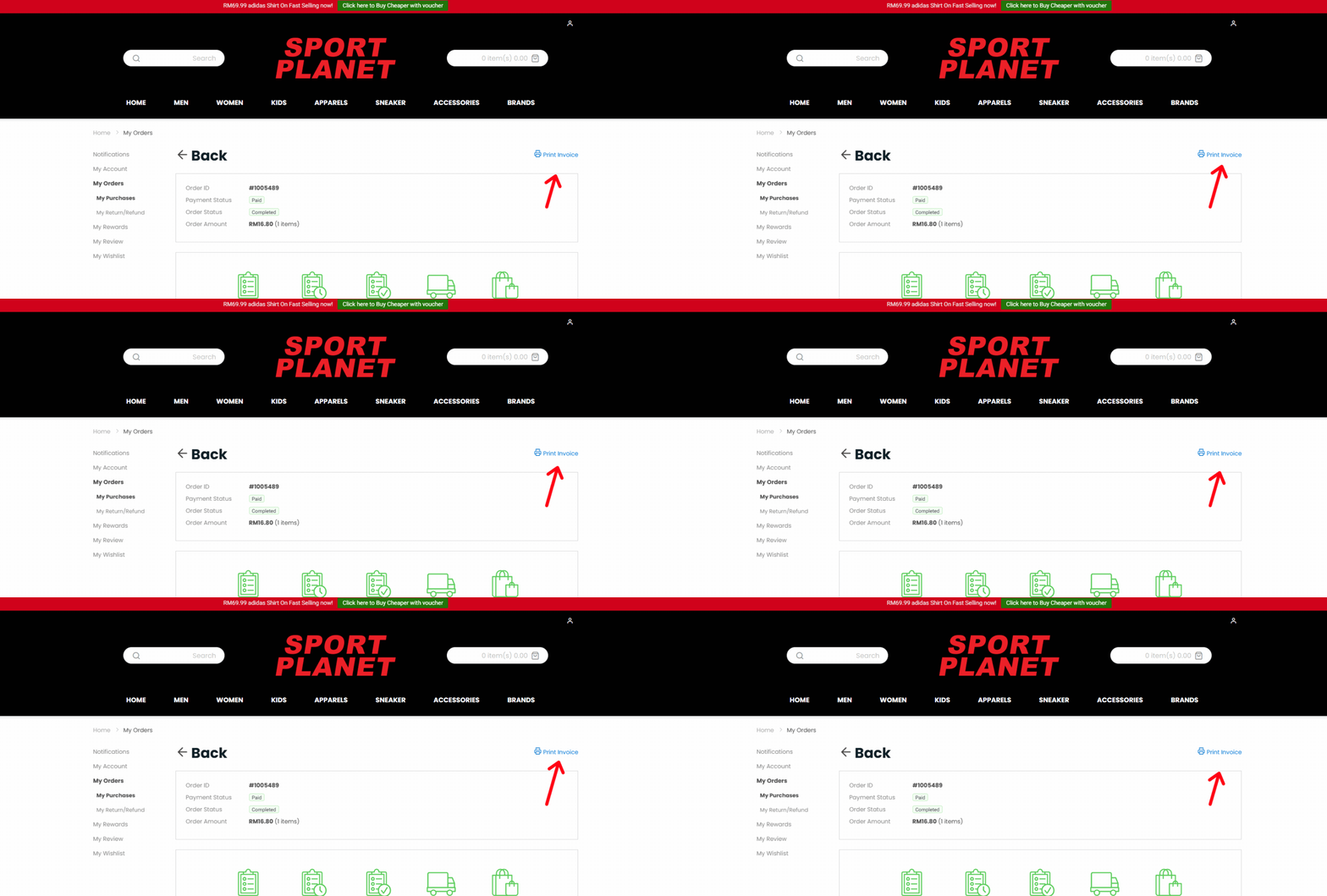
Once Clicked on your order ID , look to the right and click on the Print Invoice Button.
04
include printed invoice in parcel
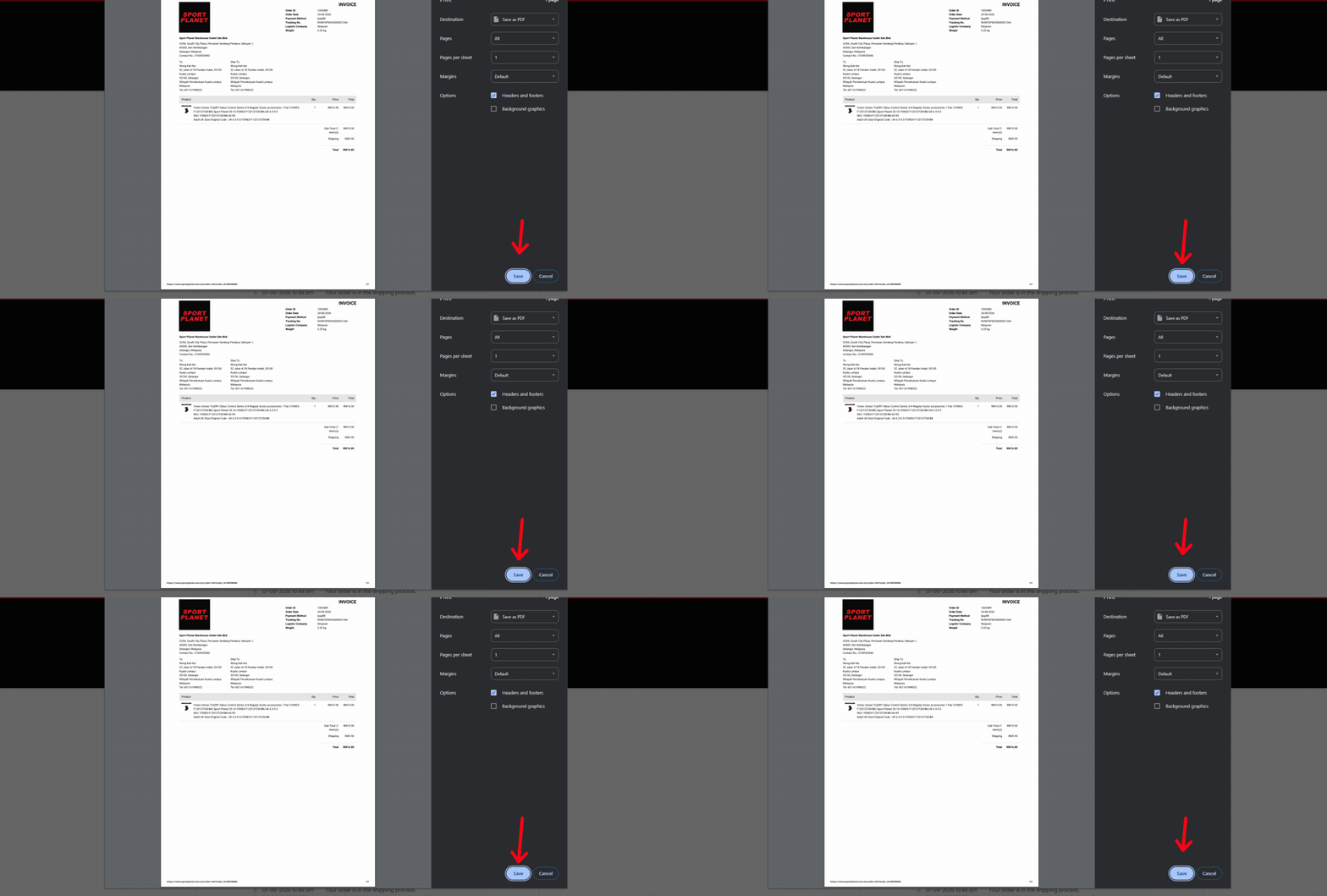
Once Invoice is printed please include it into the parcel and proceed to wrap the parcel for return
05
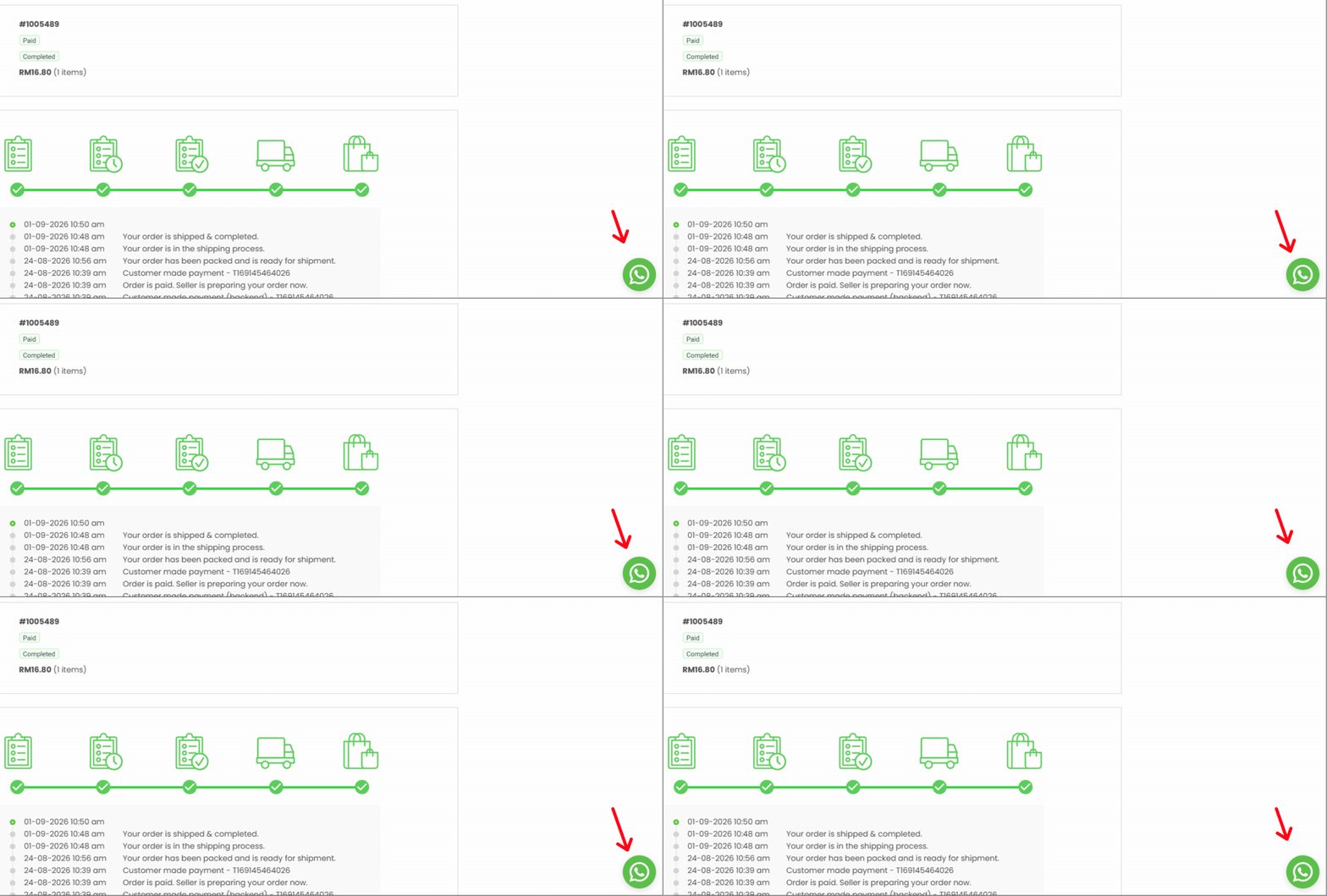
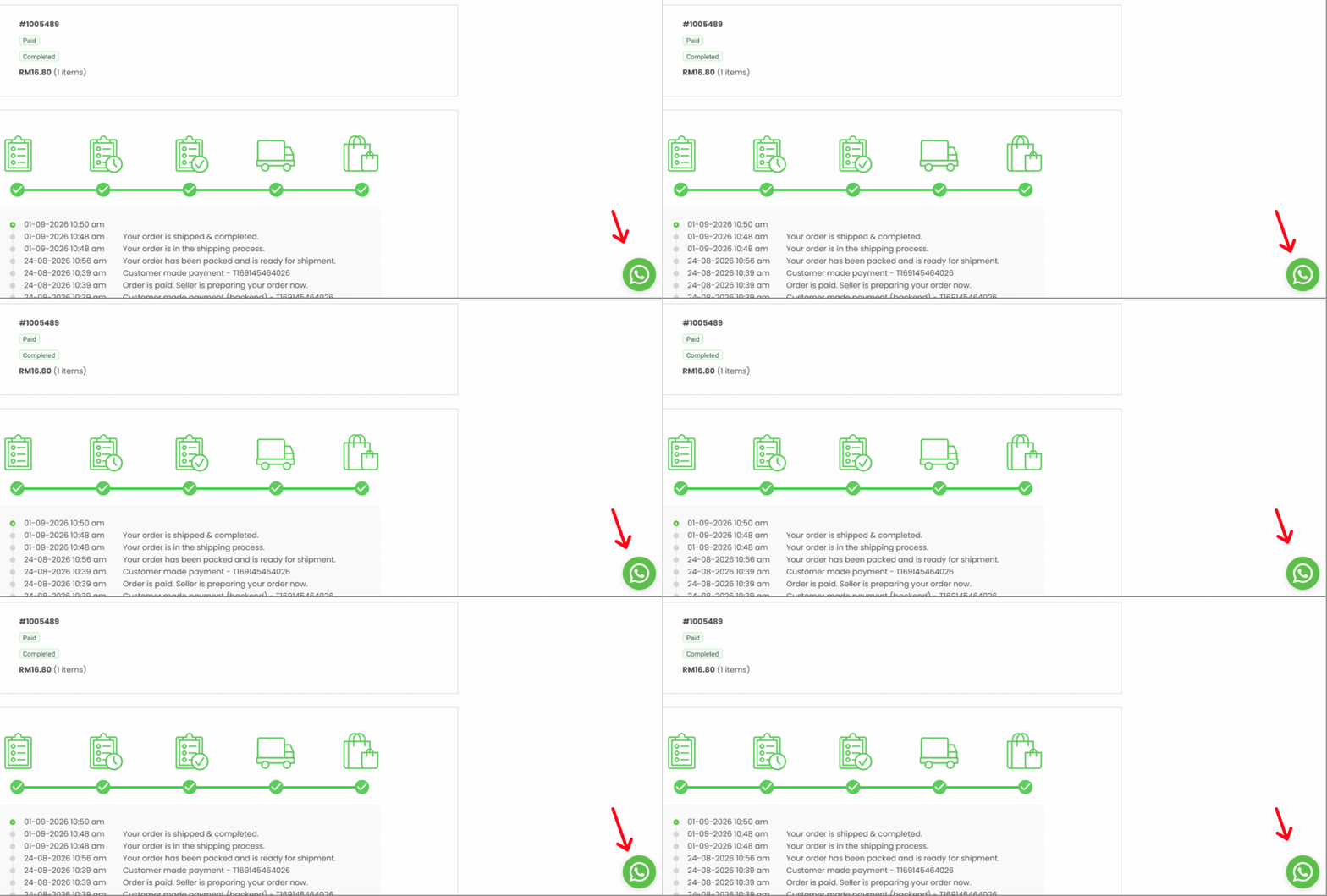
contact our agent via whatsapp
We after packing your parcel and included the invoice in the parcel proceed to contact our agent thru Whatsapp they will assist you thru the procedure
06
PRINT & SEND PARCEL
Print the Invoice, include it inside the return parcel, and dispatch it to the following address please do notify our Whatsapp for your return parcel
Sport Planet Return Department 5, Jalan Teras 4,Kawasan Industri Teras Taman Industri Selesa Jaya Seri Kembangan , 43300 Selangor