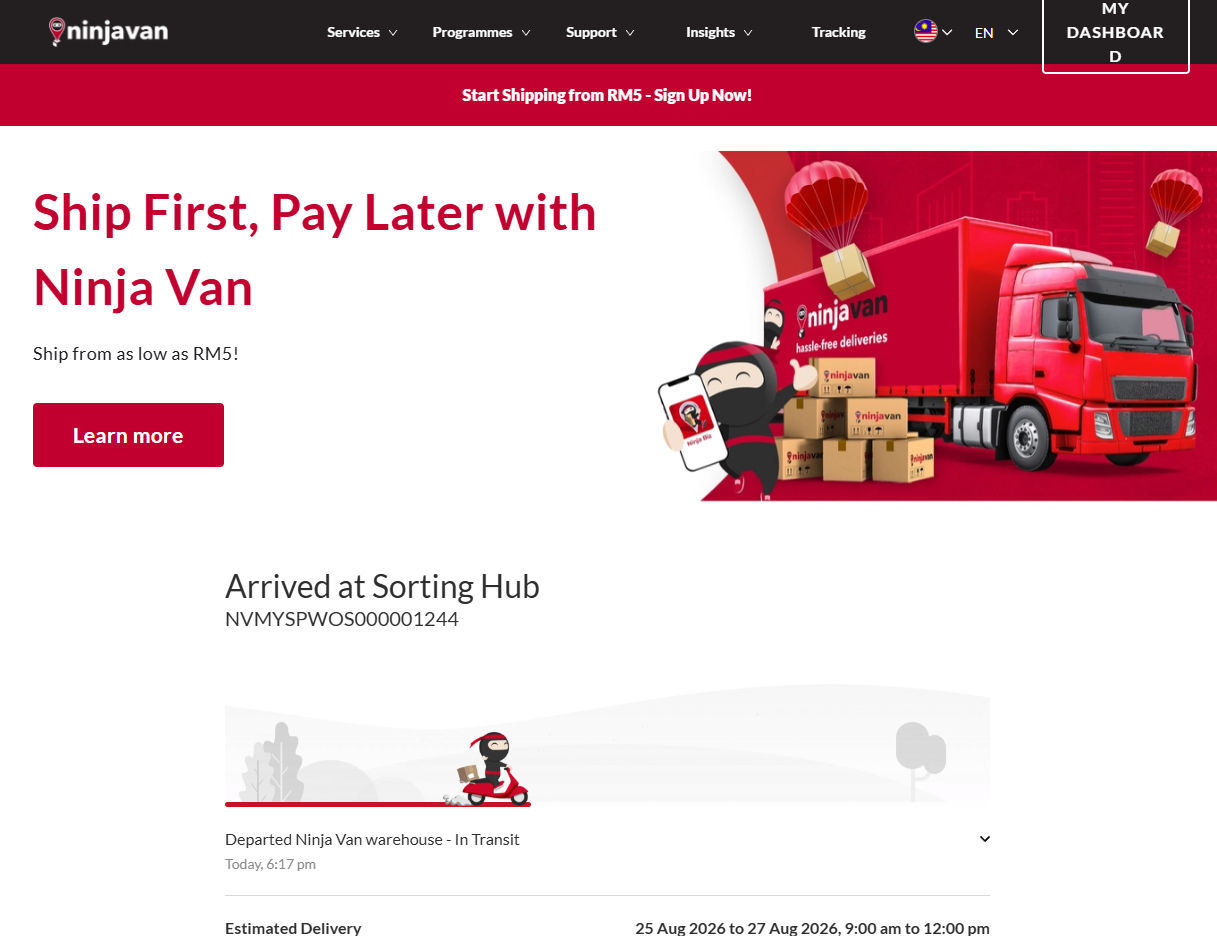
At Sport Planet, you can easily check your order status and track your parcel directly from your account. Follow our video and step-by-step guide below to view your latest shipment information.
HOW TO TRACK ON PC
Watch our step-by-step video guide on how to track your parcel using a PC or laptop.
HOW TO TRACK ON MOBILE
Watch our step-by-step video guide on how to track your parcel using a mobile phone.
01
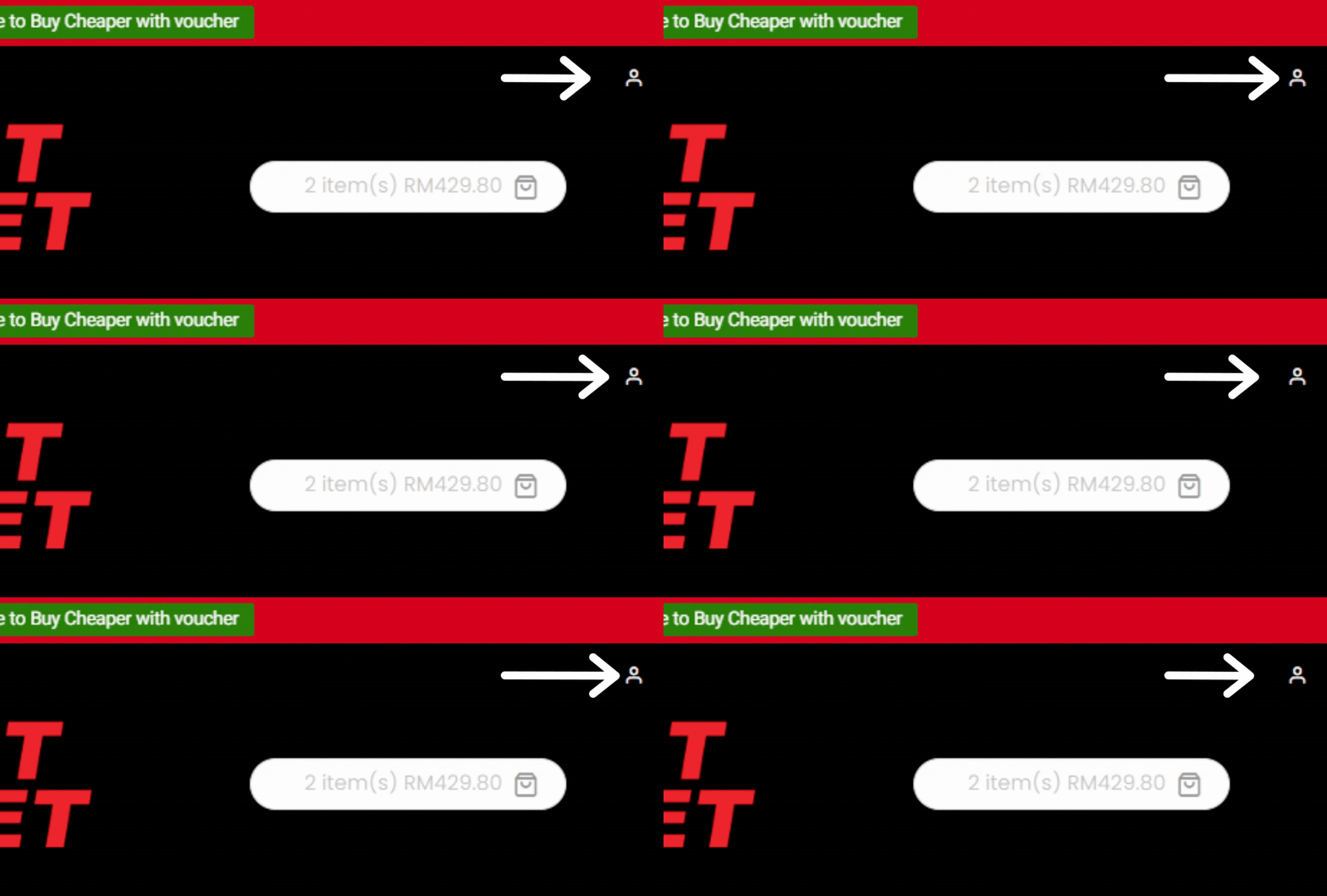
OPEN PROFILE MENU
To track your Parcel, simply log into your account and navigate to the Profile Menu located above the Shopping Cart icon.
02
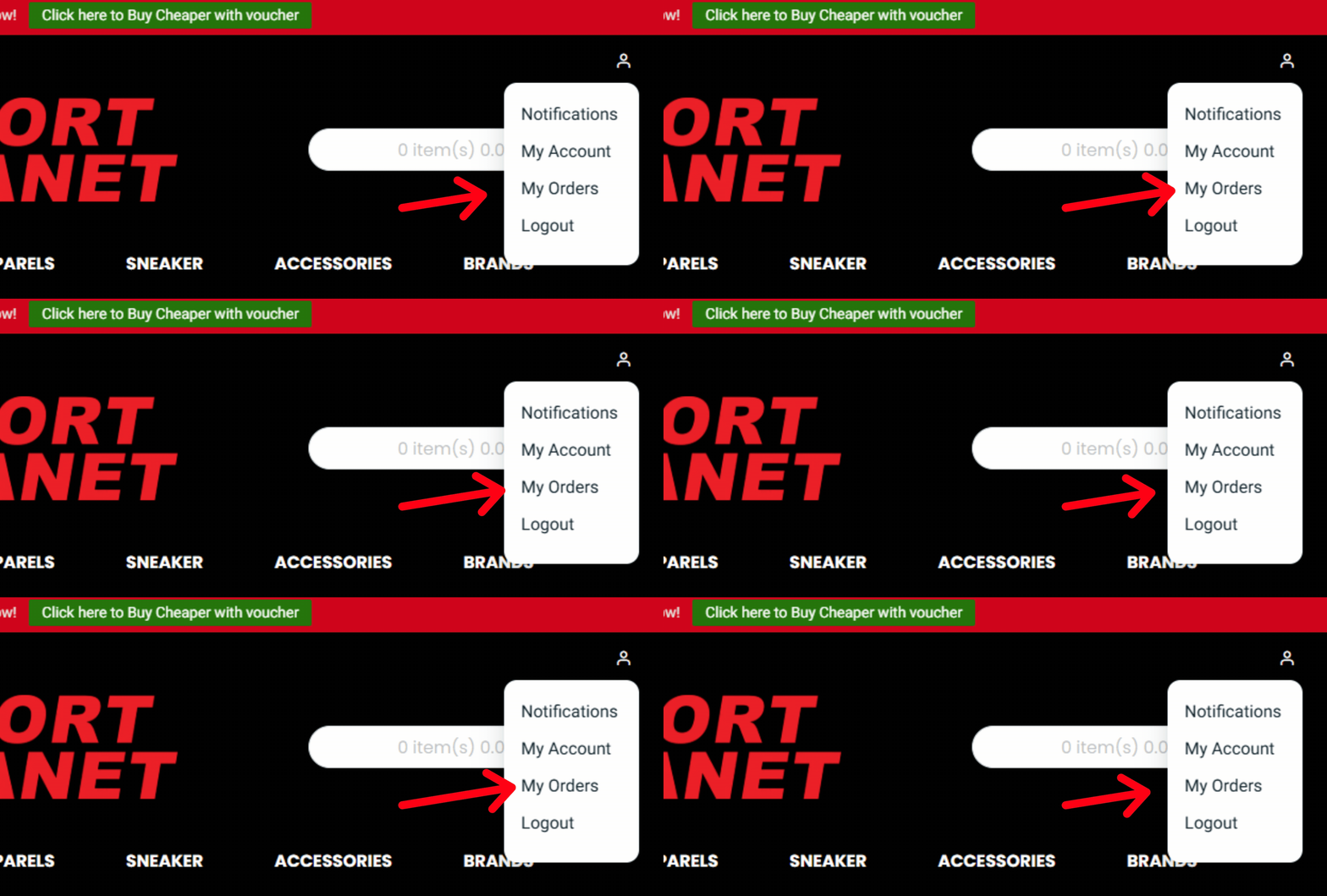
SELECT MY ORDERS
After clicking on the icon, the Profile Menu will appear. From there, navigate to the My Orders section and click on it to access your order history and Tracking Information.
03
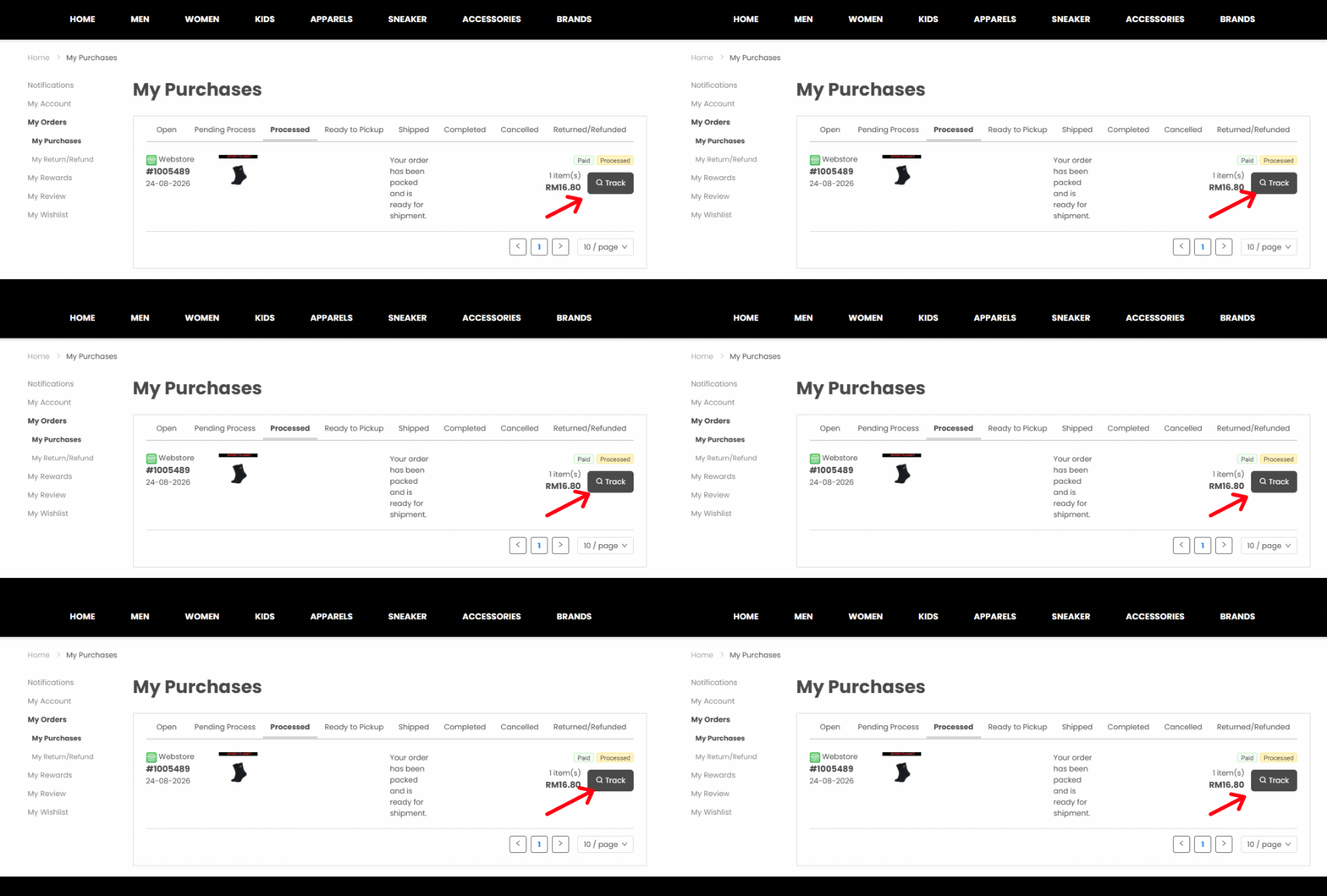
TRACK YOUR ORDER
Once you've clicked on My Order, you will be directed to the My Purchase page. From here, navigate to the To Processed section and click Track to access detailed information about the shipment.
04
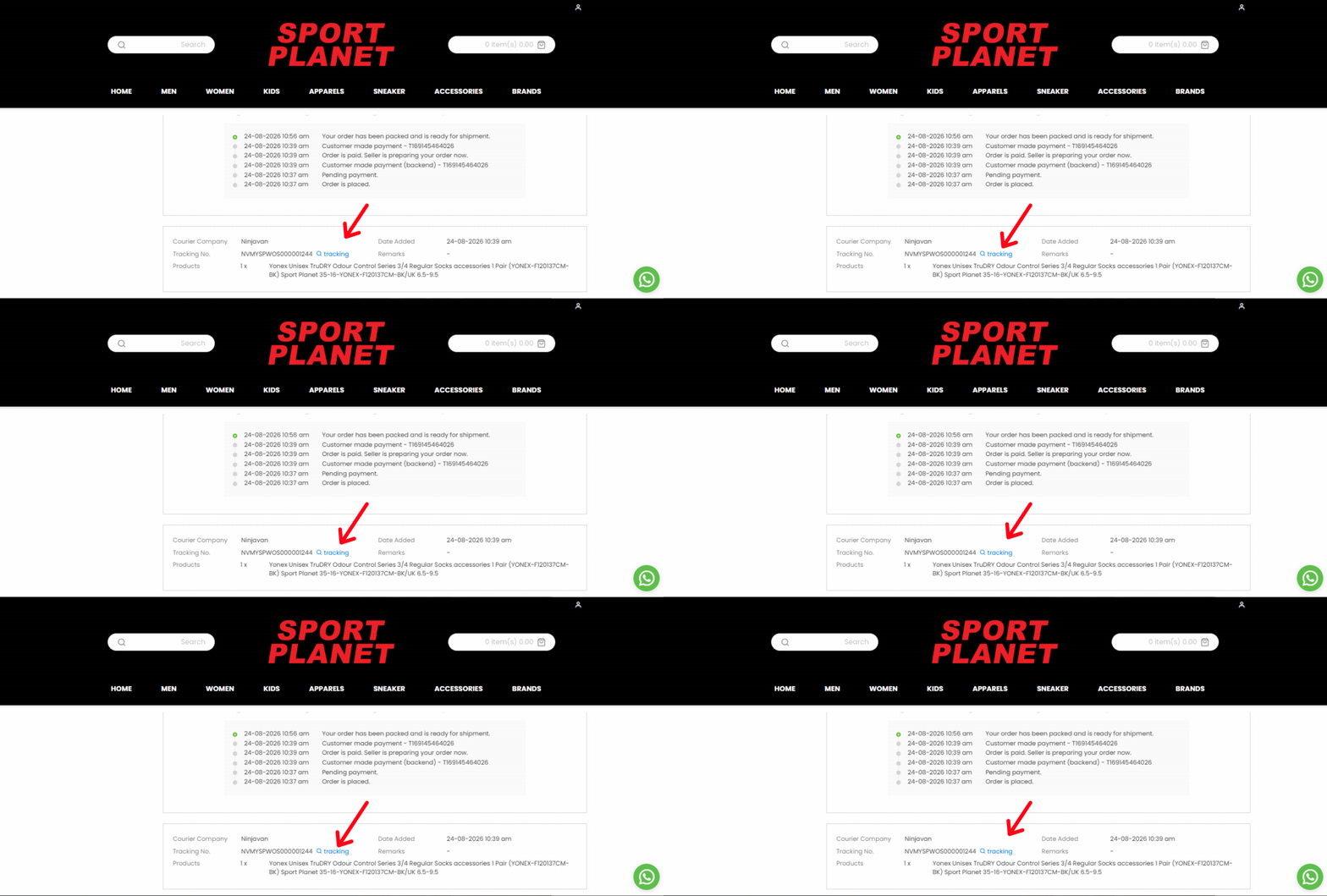
OPEN TRACKING
After clicking the Track button, you will be directed to the Order Information page. You can either scroll down to view more details or click the Tracking button for shipment tracking information.
05
TRACK YOUR PARCEL
Upon clicking the Tracking button, the parcel tracking menu provided by your chosen courier, such as NinjaVan, will appear. You can check the estimated delivery time and track the progress of your parcel until it reaches your doorstep.